While short-form vertical reels dominate mobile feeds, millions of creators, news broadcasters, educators, and gaming streamers publish long-form horizontal (16:9) videos on Facebook Watch and public timeline pages. Our Facebook Video Downloader is engineered to handle both short vertical clips and full-length high-definition Facebook videos seamlessly.
Supported Facebook Video URL Formats
Our extraction engine automatically recognizes and resolves all public Facebook video link structures:
- Standard Page Videos:
https://www.facebook.com/username/videos/123456789/ - Facebook Watch Links:
https://www.facebook.com/watch/?v=123456789 - Shortened Mobile Share Links:
https://fb.watch/abcXYZ123/ - Public Reels & Short Clips:
https://www.facebook.com/reel/123456789
Why 1080p Facebook Videos Require Real-Time Audio Muxing
For videos above 720p resolution, Facebook utilizes Dynamic Adaptive Streaming over HTTP (DASH). In DASH delivery, the 1080p video stream and the AAC audio stream are stored in separate container files on Meta's servers. If you use a basic browser extension, downloading a 1080p Facebook video often results in a silent MP4 file.
Our platform solves this automatically: when you select MP4 - 1080p (Full HD), our edge server pairs the highest-bitrate video stream with the original AAC stereo audio track using zero-loss stream copying, delivering a complete, ready-to-play MP4 file with crystal-clear sound in fractions of a second.
How to Download Facebook Watch Videos on PC and Smartphone
- Locate the Video: Open the public Facebook post or Facebook Watch video you wish to save for offline viewing.
- Copy the Link: Click the Share button below the video player and select Copy link (or copy the URL from your browser address bar).
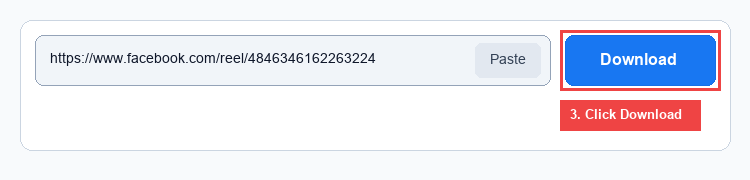
- Paste & Extract: Paste the link into the input box at the top of this page and press Download.
- Choose Your Quality: Select 1080p Full HD for maximum sharpness, 720p HD for fast all-around playback, or 360p SD to save mobile data.