When you right-click and save an image directly from the Facebook web interface or take a screenshot on mobile, the file is often compressed and degraded to a low-resolution thumbnail. Our Facebook photo downloader retrieves the master uncompressed image stream directly from Meta's Content Delivery Network (CDN) edge servers, giving you the sharpest original picture available.
Supported Facebook Image Formats
- Public Profile Pictures: Download high-resolution profile pictures in full dimensions without cropping.
- Facebook Post Photos & Albums: Save high-quality photos shared in public timelines, fan pages, and community groups.
- Reels & Video Cover Thumbnails: Extract HD video thumbnails and cover artwork at original aspect ratios.
How to Save Facebook Images in 3 Simple Steps
- Copy Link: Click on the Facebook photo or Reel, tap the three dots or Share button, and copy the link.
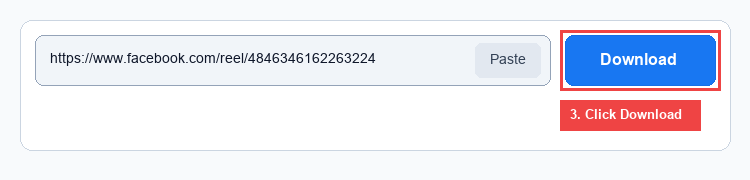
- Paste Above: Paste the link into the search bar on this page and press Download Photo.
- Save HD File: The Photo tab will display the available dimensions. Click the green Download button to save the uncompressed JPEG or PNG file.