Whether you want to save an inspiring speech, a language-learning dialogue, an interview snippet, or an original acoustic performance from a public reel, downloading the entire video file wastes storage space. Our Facebook Reels to MP3 Converter isolates the dedicated audio stream directly from Facebook's media manifest so you get a lightweight, crystal-clear audio file in seconds.
Direct Audio Demuxing vs. Traditional Lossy Conversion
Many third-party converter sites download the compressed low-resolution video and run it through a low-bitrate MP3 encoder, introducing metallic artifacts and high-frequency clipping. Instead, our tool queries Meta's adaptive audio track (encoded in high-efficiency AAC/HE-AAC v2) and streams the clean audio payload directly to your device with an .mp3 attachment header for universal compatibility across all media players.
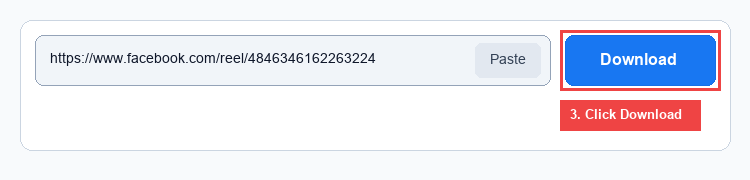
3 Simple Steps to Convert Facebook Reels to MP3
- Copy the Reel Link: Tap the Share icon on any public Facebook Reel and tap Copy link.
- Paste in the Audio Extractor: Paste the URL into the box above and tap Extract MP3 Audio.
- Download MP3: The Audio (MP3) tab opens automatically—click the green Download button to save the audio file straight to your phone or computer.